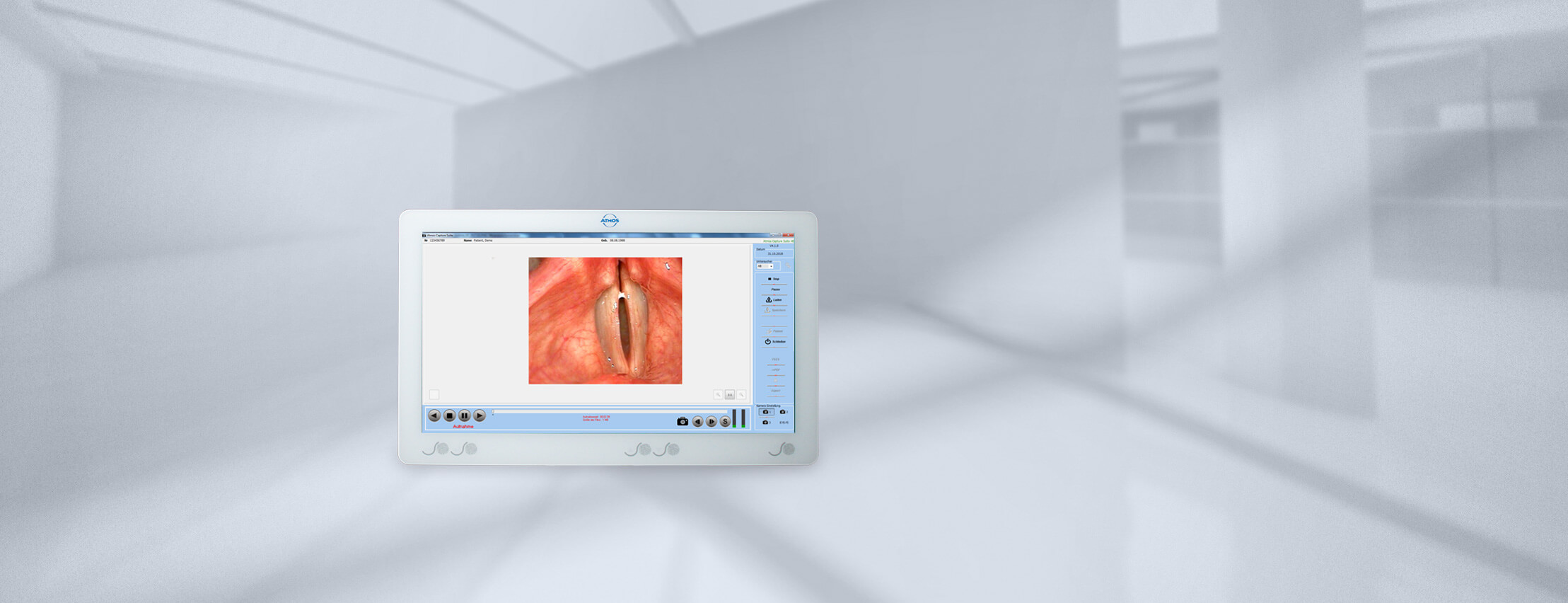
ATMOS Capture Suite
Visualization and documentation of diagnostic results
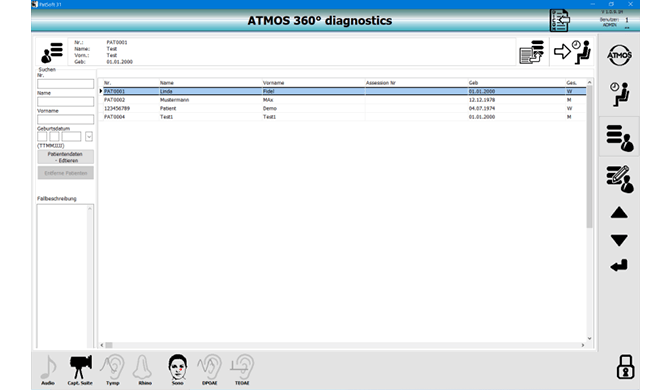
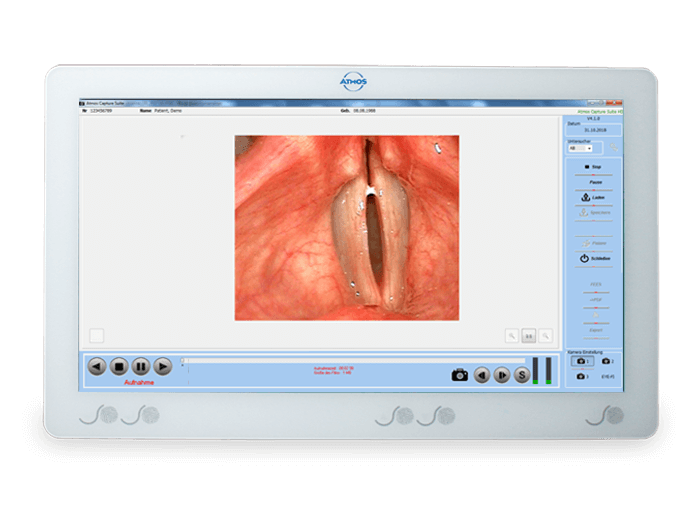
ATMOS Capture Suite is the central software module for recording, saving, and displaying images and videos. This module was developed as a fully integrated solution consisting of hardware and software components that work in perfect harmony. The user interface is optimized for touch screens. Thanks to ATMOS DICOM ONE and ATMOS GDT ONE, ATMOS Capture Suite becomes network-compatible and can be integrated seamlessly into any existing environment.
Lightens the workload
through a streamlined workflow for
ENT medicine
Quick and easy
through direct image transfer into
report templates
Applications
- ENT outpatient department
- ENT diagnostics room
- ENT examination room
- ENT practice
- Gynecology practice
- Doctor's practice
Intelligent camera management
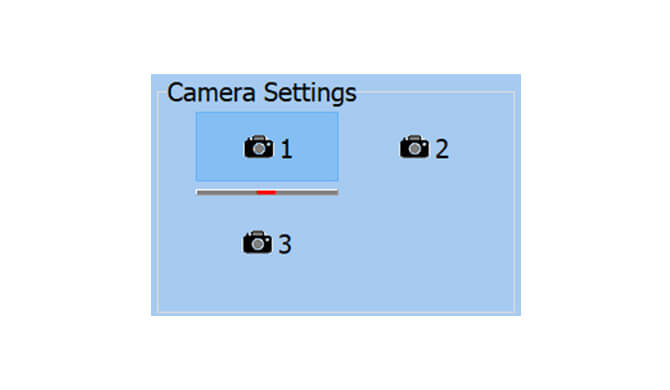
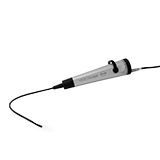
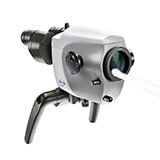
Maximum control. Minimum complexity. The intelligent camera management system automatically detects cameras, integrates them seamlessly into the existing infrastructure, and enables flexible switching between them — without any manual configuration of ATMOS cameras.
Highlights:
- Plug and play: ATMOS cameras are detected automatically.
- Nonproprietary: ATMOS Capture Suite can integrate various cameras.
- Dynamic switching: ATMOS Capture Suite can automatically switch between ATMOS cameras.
Simultaneous display of images and videos
Clear presentation. Intuitive operation. The integrated media library displays images and videos simultaneously in a clearly structured and user-friendly manner. The desired object is selected right in the scroll area with the click of a mouse or the touch of a finger. Depending on the type of media chosen, the appropriate viewer for images or videos opens automatically.
Highlights:
- Simultaneous display of image and video files in a single overview
- Direct selection by clicking or touching the preview image
- Automatic viewer start depending on the file type
- Optimized for desktop and touch screen devices
Image/video comparison mode
Compare visual content side by side — flexibly and intuitively. With ATMOS Capture Suite version 5, different media formats can be compared simultaneously on one screen: either four images, one video with two images, or two videos. This way you always get the full picture — even with complex examination results.
Simply click the “Compare” button or tap on it on the touch screen — and the comparison area opens.
Highlights:
- Flexible media combinations: freely combine images and videos
- Simultaneous display: view up to four items side by side
- Intuitive operation: optimized for mouse and touch screen
- Efficient analysis: perfect for visual review of examination results
Image editing right in the software
Mark, comment, and save — all in one intuitive workflow.
The integrated image editing function in ATMOS Capture Suite version 5 allows you to selectively edit images from the library. The edit button becomes active as soon as an image is selected. A single click or tap is all it takes to open edit mode.
Highlights:
- Intuitive operation for mouse and touch screen
- Flexible design of comments and markups
- Efficient documentation right in the image
- Secure storage with clear version identification
Video editing — precise cutting, professional presentation
Less is more: focus on what matters most. The video editor integrated in the ATMOS Capture Suite version 5 allows for efficient and precise organization of video content. Specific relevant sequences must be selected — and all the excess is left out. The result is a compact, informative clip that shows exactly what matters.
Highlights:
- Intuitive operation: the editor starts automatically after selecting a video.
- Efficient editing function: only the important sequences are saved.
- Automatic splicing: selected sequences are combined into a new video.
- Time savings and clarity: content can be clearly organized for documentation, presentation, or archiving purposes.
Printing images from the library
- Select the desired images in the library.
- Drag and drop the exported images directly into the print template.
- Start the report creation process — done!
Printouts and reports — professional documentation
More than just one image: every printout is a complete report.
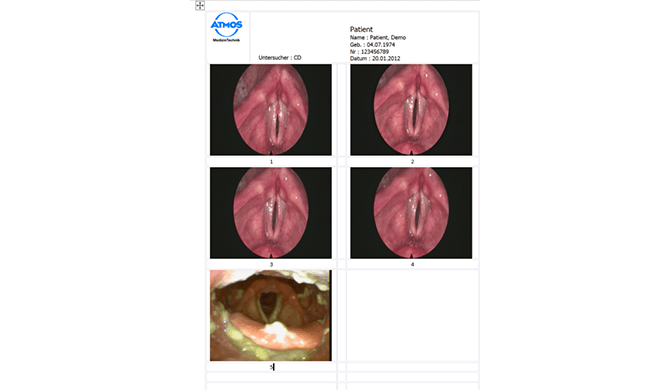
ATMOS Capture Suite generates informative reports directly from the image library. Instead of individual images, you receive structured documents containing up to eight selected images — including all relevant information.
Here’s how it works:
- Quick export: images can be exported directly to a folder and opened or printed from there.
- Reporting function: the “Print” option in the main menu opens the print template, and the desired photos can be dragged and dropped into it.
- Flexible formats: PDF, Word, or OpenOffice files can be exported, or a direct printout can be started.
- Additional information: patient information, hospital/practice logo, timestamp, examiner, and comments can be added.
- Time savings and clarity: content can be clearly organized for documentation, presentation, or archiving purposes.
Interface connection made easy
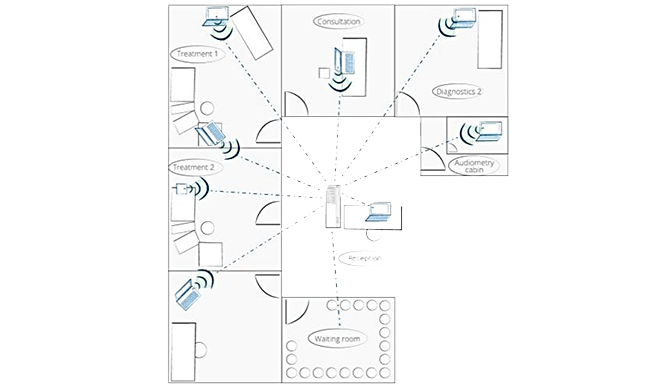
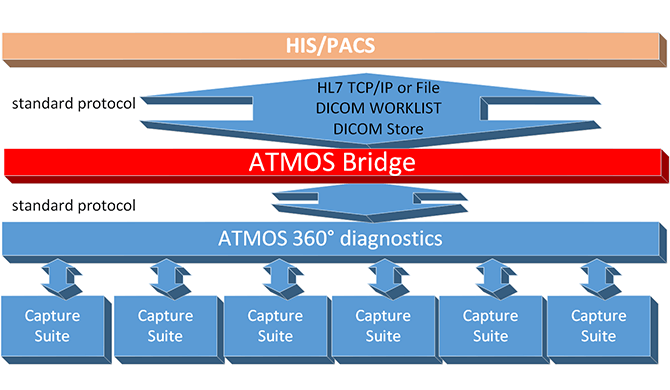
ATMOS Capture Suite supports connection via ATMOS DICOM ONE and ATMOS GDT ONE — for seamless integration into existing hospital and practice infrastructures. This allows image and video data as well as patient data to be linked and automated efficiently.
More information on ATMOS DICOM ONE: Click here
Technical Data
|
|
|
|
Available hard disk space |
|
|
|
|
|
RAM |
|
|
|
At least 1920 x 1080 |
|
|
|
|
|
|
|
|
|
|
|
|
FAQ
ATMOS Capture Suite is a software module for visualizing, recording, and documenting images and videos.
ATMOS Capture Suite supports image and video files. These can be displayed, edited, compared, and integrated into reports.
In comparison mode, up to four images, two videos, or a combination of one video and two images can be displayed at the same time — perfect for before-and-after comparisons or progress monitoring.
Yes. ATMOS Capture Suite offers integrated tools for making markups, adding comments, and placing text.
ATMOS Capture Suite is optimized for both mouse operation and touch screens — for maximum flexibility in everyday work.
Up to eight images can be inserted into a report using the integrated print menu. Patient information, hospital/practice logo, timestamp, and comments can be added. The report is exported as a PDF, Word, or OpenOffice file, or as a direct printout.
Yes. ATMOS Capture Suite can be integrated into existing IT infrastructures via a DICOM or GDT interface — for seamless communication with PACS and PMS systems.
Downloads
| Title | Date | Extension | Size | Language |
|---|---|---|---|---|
| Brochures & Flyers | ||||
| Flyer ATMOS Capture Suite | 15.01.2026 | 799.36 KB | en | |
| Documents | ||||
| ATMOS Capture Suite Diagnostics Questionnaire | 22.12.2025 | 455.85 KB | en | |
| Support Questionnaire | 14.05.2025 | 163.58 KB | en | |
| Technical Documentation | ||||
| Operating Instructions ATMOS Capture Suite | 14.01.2026 | 795.21 KB | en, cn, es, hu | |
| Quick Start ATMOS Capture Suite 5 | 15.01.2026 | 322.68 KB | en | |
| Software | ||||
| ATMOS 360 Install.zip | 15.01.2026 | zip | 282.87 MB | de, en, fr, ru, cn, es, . . ., hu |
| ATMOS Capture Suite5.zip | 15.01.2026 | zip | 168.36 MB | de, en |
Accessories
Contact